

Secure symptom checker features are design elements and technologies that protect your health data while delivering accurate triage guidance. For Canadians, the stakes are high. Provincial privacy laws like PIPEDA and Ontario's PHIPA set strict standards for how health data must be handled, and not every online tool meets that bar. The best tools combine local data processing, end-to-end encryption, and transparent consent practices with AI-driven clinical logic. Healthnavigatorai is one example of a platform built around these principles, offering free, no-sign-up symptom assessment with strict data minimization at its core.
1. What are the core secure symptom checker features?
Secure health assessment tools share a common architecture. They collect the minimum data needed, process it safely, and tell you exactly what happens to your information before you type a single word.
The five features that define a genuinely secure tool are:
- Local device processing. Edge AI processing runs all computation inside your browser's RAM, so your symptom data never leaves your device or touches a server. That eliminates the most common path for a data breach.
- Upfront consent and plain-language privacy notices. Clear data-use disclosures presented before you start are far more effective than a buried 40-page policy. You should know what is collected before you share anything.
- Data minimization. A secure tool asks only for the symptoms relevant to your triage. It does not collect your name, address, insurance number, or any other direct identifier.
- End-to-end encryption. OAuth 2.0 protocols and encryption protect data in transit and during any API integration, preventing unauthorized access at every step.
- No AI training on your inputs. Reputable tools avoid using personal prompts to retrain their models. Your symptom description should inform your triage, not improve someone else's product.
Pro Tip: Before using any symptom checker, search its name alongside "privacy policy" and look for explicit statements about AI training. If the policy is silent on this point, treat that as a red flag.
2. How AI-driven risk stratification improves triage accuracy

AI risk stratification is the feature that separates a useful symptom checker from a basic search engine. It classifies your symptoms into one of four categories: emergency, urgent, routine, or self-care. That classification then drives the guidance you receive.
The clinical impact is real. Advanced AI triage can reduce unnecessary medical visits by up to 30% by routing low-acuity cases toward self-care and flagging genuine emergencies immediately. That matters for Canada's strained healthcare system, where emergency department overcrowding is a persistent problem.
Transparency in the risk logic matters just as much as the logic itself. Symptom checkers that cite clinical sources and explain their reasoning increase user trust and improve health literacy. When you can see why a tool recommends urgent care, you are more likely to act on that recommendation correctly.
A well-built triage engine integrates with recognized medical knowledge bases, such as ICD-10 coding standards or peer-reviewed clinical guidelines, to ground its output in evidence. That integration is what separates a reliable tool from one that generates plausible-sounding but clinically unsound advice.
3. Which symptom input methods combine security with usability?
The way you enter symptoms affects both your experience and your privacy. The best tools offer conversational, free-text input so you can describe what you feel in plain language rather than clicking through rigid dropdown menus.
Natural language processing (NLP) interfaces reduce the temptation to over-collect data. A tool that lets you type "I have a sharp pain behind my left eye and light sensitivity" needs no personal identifiers to generate a useful triage result. You can check symptoms in plain language and get clinically grounded guidance without ever sharing your name.
Multimedia inputs like voice and image upload add convenience but require extra scrutiny. Any tool that accepts uploaded photos or audio must process that media locally or delete it immediately after analysis. Retaining multimedia files tied to a session creates unnecessary privacy exposure.
Accessibility compliance under WCAG 2.1 AA standards is a non-negotiable feature for a tool serving all Canadians. Screen reader compatibility, sufficient color contrast, and keyboard navigation make the tool usable for people with visual or motor impairments. A no-sign-up health tool removes the biggest friction point of all, letting you get an assessment without creating an account or handing over an email address.
Pro Tip: If a symptom checker asks for your date of birth, postal code, or health card number before showing you any results, close the tab. None of that information is required for accurate symptom triage.
4. What privacy risks exist in symptom checkers?
Most people assume that using a symptom checker anonymously means their data is safe. That assumption is often wrong. Several technical risks operate below the surface of even well-designed tools.
The four most significant risks are:
- Indirect prompt injection. Hidden instructions embedded in user-uploaded content can instruct an AI model to exfiltrate your data without your knowledge. This is a known vulnerability in AI-built health apps, and it is particularly dangerous when tools accept document uploads.
- Session IDs and IP addresses as protected health information. Anonymous symptom data linked to a session ID or IP address can qualify as protected health information under HIPAA and GDPR equivalents. Most people do not realize their "anonymous" session is potentially identifiable.
- Third-party tracking pixels. Analytics tools from advertising networks can fire on health pages, sending your browsing behavior to third parties. That data can be combined with other sources to infer sensitive health conditions.
- Metadata leakage. Timestamps, device fingerprints, and browser characteristics can narrow down your identity even when no direct identifiers are collected.
> Cybersecurity experts are clear: audit any symptom checker using your browser's Developer Tools. Open the Network tab while using the tool and watch for outbound calls to domains like Google Analytics, Meta Pixel, or TikTok. Any such call during a health session is a privacy concern worth taking seriously.
Practical mitigation is straightforward. Avoid uploading documents that contain your name or health card number unless the tool explicitly states it processes files locally and deletes them immediately. Use a private browsing window to limit cookie persistence. And never share more detail than the triage question actually requires. For a deeper look at how cookies track health searches, the risks are more specific than most people expect.
5. How to compare symptom checker security features
Not all symptom checkers are built to the same standard. Evaluating them requires a consistent framework rather than relying on marketing claims. The table below outlines the key criteria and what to look for in each category.
| Feature category | What a secure tool does |
|---|---|
| Data processing location | Runs computation locally on your device; no server-side storage of raw symptom input |
| Consent and transparency | Displays a plain-language data notice before the first interaction begins |
| Encryption standard | Uses end-to-end encryption and OAuth 2.0 for any API connections |
| Data retention policy | Deletes session data immediately after triage; no long-term storage of symptom history |
| Clinical logic transparency | Cites medical knowledge bases and explains the reasoning behind each risk category |
| Accessibility compliance | Meets WCAG 2.1 AA standards for screen readers, contrast, and keyboard navigation |
| Sign-up requirement | Allows full triage without account creation or personal identifier collection |
Entry-level tools often meet one or two of these criteria. Enterprise-grade platforms typically meet most, but they frequently require account creation and cloud-based processing, which introduces its own risks. The strongest tools for individual Canadians sit in the middle: they offer clinical-grade triage logic with local processing and no mandatory sign-up. Understanding Canadian personal health information protections helps you hold any tool to the right legal standard before you trust it with your symptoms.
Key takeaways
The most secure symptom checkers combine local data processing, explicit upfront consent, and AI-driven triage logic to protect your privacy while delivering clinically grounded guidance.
| Point | Details |
|---|---|
| Local processing is the gold standard | Edge AI keeps your symptom data on your device and eliminates server-side breach risk. |
| Upfront transparency beats buried policies | A plain-language consent notice before you start is the clearest sign a tool respects your privacy. |
| Session IDs can be health data | Even "anonymous" sessions tied to an IP address may qualify as protected health information. |
| AI triage reduces unnecessary visits | Risk stratification can cut unnecessary clinical visits by up to 30%, easing pressure on Canadian healthcare. |
| Audit tools before you trust them | Use your browser's Developer Tools Network tab to check for third-party tracking calls during a health session. |
Why I think most people are looking at symptom checker security the wrong way
People focus on whether a tool has a privacy policy. That is the wrong question. A privacy policy is a legal document, not a security guarantee. The right question is: what does this tool actually do with my data in the 30 seconds after I hit submit?
I have reviewed dozens of health AI tools, and the pattern is consistent. The ones that bury their data practices in legalese are almost always the ones sending analytics calls to advertising networks. The ones that lead with a plain-language notice, before you type anything, are almost always the ones doing local processing.
The other thing most articles get wrong is the AI limitation conversation. Cybersecurity experts are direct: symptom checkers are tools for generating better questions to ask your doctor, not replacements for clinical judgment. A reassuring output from an AI does not mean you are fine. It means the AI did not flag an emergency based on the symptoms you described. Those are very different things. Canadians who understand that distinction use these tools more safely and more effectively.
The Canadian health privacy bar, set by PIPEDA and provincial equivalents, is genuinely high. The best symptom checkers are starting to meet it. But you still need to verify, not assume.
> — Rishi
Healthnavigatorai: secure, free symptom checking for Canadians
Healthnavigatorai's MediGuide is built around the features this article describes. It requires no sign-up, collects no personal identifiers, and processes your input with strict data minimization from the first word you type.
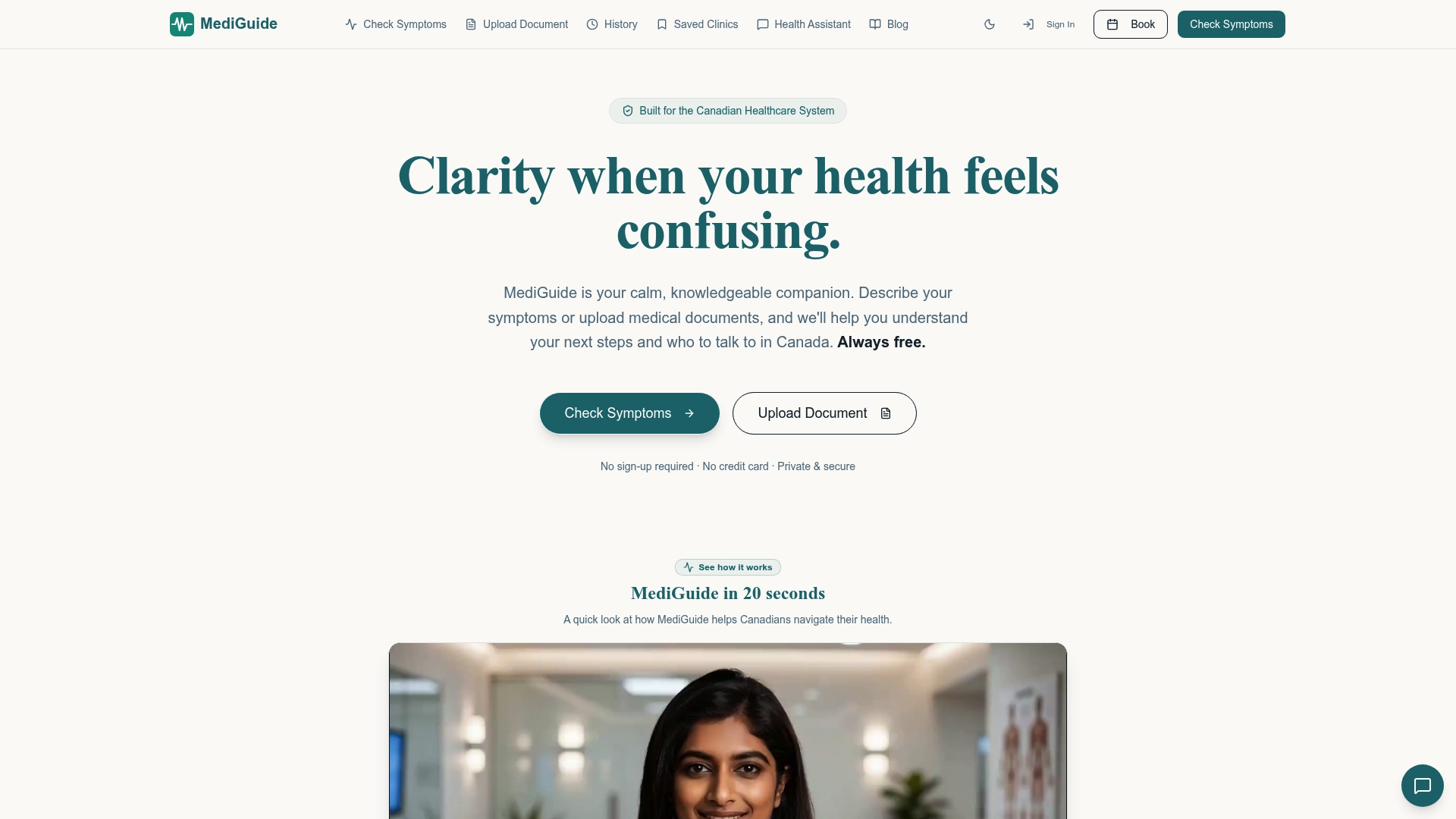
MediGuide's AI triage engine classifies symptoms into clear urgency categories and explains the clinical reasoning behind each result. It connects you to the right type of care and shows average wait times for your region, so you know what to expect before you walk in the door. You can check your symptoms now at no cost, with no account required. For Canadians who want to understand exactly how the platform handles their data, the full privacy approach is explained in plain language before you begin.
FAQ
What are the most important secure symptom checker features?
The most critical features are local device processing, upfront plain-language consent, data minimization, end-to-end encryption, and a no-sign-up option. Together, these prevent your health data from being stored, shared, or linked to your identity.
How secure are symptom checkers compared to seeing a doctor?
Symptom checkers carry different risks than in-person care. A doctor's office is bound by strict confidentiality rules, while online tools vary widely in their data practices. Choosing a tool with local processing and no identifier collection brings the privacy risk much closer to zero.
Can a symptom checker be truly anonymous?
Not automatically. Session IDs and IP addresses tied to symptom data can qualify as protected health information. A tool is genuinely anonymous only when it processes data locally, discards session metadata immediately, and blocks third-party tracking calls.
What is AI risk stratification in a symptom checker?
AI risk stratification is the process of classifying your symptoms into urgency categories: emergency, urgent, routine, or self-care. It uses clinical knowledge bases to route you toward the right level of care and can reduce unnecessary emergency visits by up to 30%.
How do I check if a symptom checker is sharing my data?
Open your browser's Developer Tools, go to the Network tab, and use the symptom checker normally. Watch for outbound requests to third-party domains like Google Analytics or Meta Pixel. Any such call during a health session indicates your data is being shared beyond the tool itself.


