

Cookies are small text files stored on your browser that record your online activity, and tracking pixels are embedded scripts that fire the moment a page loads. Together, they are the primary mechanism behind cookies health data tracking on medical and wellness websites. When you search for symptoms, conditions, or treatments, these tools capture the full URL of every page you visit and link it to a unique browser ID. That data moves to third-party advertising platforms within milliseconds. The privacy concerns around cookies and health searches are not theoretical. A 2024 survey of 50 Australian health websites found that 96% used tracking technologies, and 52% forwarded user data to social media platforms without proper consent. That figure shows how widespread the problem already is.
How do cookies track health searches?
Cookies and tracking pixels work together to build a detailed profile of your health-related browsing. A cookie assigns your browser a unique identifier the first time you visit a site. Every subsequent page you load on that site, or any site sharing the same ad network, gets logged against that ID.
Tracking pixels add a second layer. These are tiny, invisible images or JavaScript snippets embedded in a webpage. Pixels execute immediately on page load, often before a cookie consent banner even appears on your screen. That timing makes blocking them through standard browser settings nearly impossible for most people.

The most damaging part is URL design. Many health websites embed condition names directly in the page address. A URL like /symptoms/heart-failure or /treatment/type-2-diabetes tells the tracking script exactly what you were reading. Standard marketing scripts scrape full URLs containing health condition identifiers, metadata, and referral information, then link that data to your unique cookie ID. The result is a permanent record of your health interests tied to your browser.
Advertisers also use browser fingerprinting to reinforce this profile. Fingerprinting aggregates your IP address, device type, and browsing sequences to identify you even when you clear your cookies. This means deleting cookies alone does not fully erase your health browsing history from ad networks.
- Cookies store a unique browser ID and log every page visit against it.
- Tracking pixels fire on page load and send URL data to third-party servers instantly.
- URL scraping captures condition names embedded in page addresses.
- Browser fingerprinting rebuilds your identity even after cookies are cleared.
- Data aggregation combines all of the above into a persistent health profile linked to you.
Pro Tip: Check the URL of any health page you visit. If the address contains a condition name, a symptom, or a treatment term, that string is visible to every tracking script on the page.
What privacy risks come from cookies gathering health info?
The risks from cookies gathering health info go well beyond targeted ads. Health data sits in a special legal category because it reveals intimate details about your body, mental state, and medical history. When that data leaks to advertisers, the consequences can be lasting.
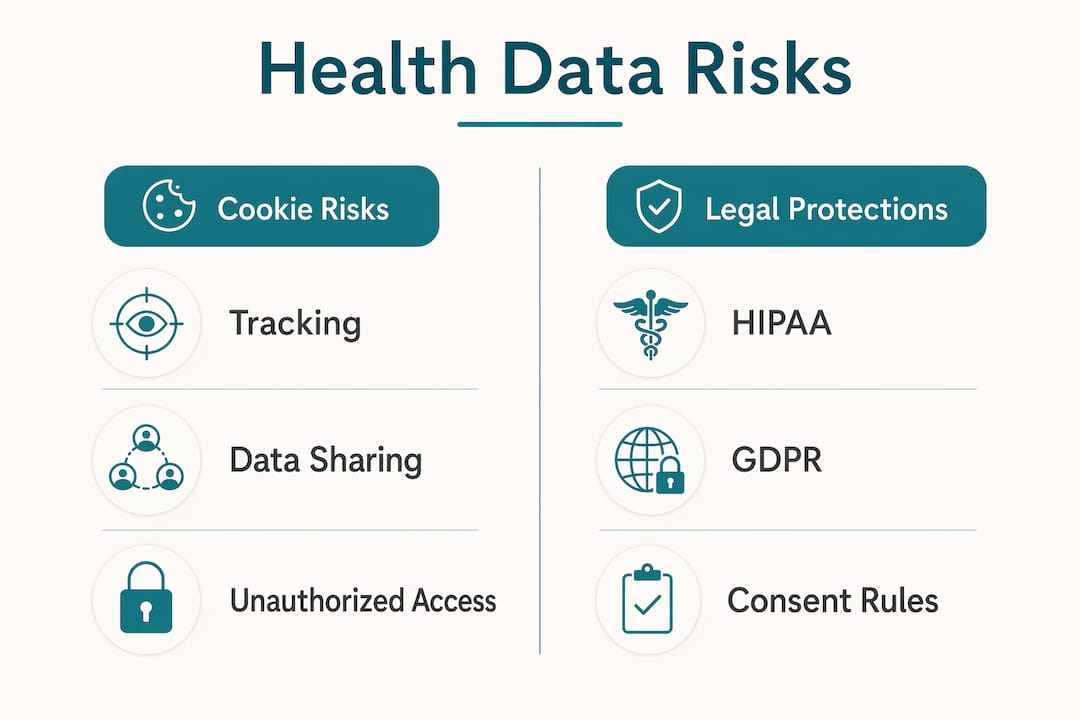
A 2026 investigation found that 90% of the top 10 publicly traded US health companies had advertising and analytics trackers installed on sensitive user-registration or login pages. That means the pages where you enter your name, date of birth, and insurance details were actively sending data to ad networks. The exposure is not limited to browsing habits.
The same investigation found that approximately 15% of health websites could record exact keystrokes on login pages. A keystroke logger captures what you type before you even click submit. Your password, your diagnosis search, and your personal details can all be recorded and transmitted.
> Tracking pixels on health websites do not just observe what you search. They create a permanent, shareable record of your health conditions linked to your browser identity, and that record can be sold, subpoenaed, or breached. The impact of cookies on health searches is not abstract. It is a documented transfer of your most sensitive personal data to parties you never agreed to share it with.
The downstream effects include:
- Targeted advertising based on your health conditions, which can feel intrusive and expose your status to others sharing your device.
- Data broker profiles that aggregate your health browsing with financial, location, and demographic data.
- Insurance and employment risk if health data profiles are accessed by parties making decisions about you.
- Security breaches where aggregated health profiles become high-value targets for cybercriminals.
- Psychological harm from the loss of control over deeply personal information.
Understanding your digital health footprint is the first step toward protecting it.
How do regulations address cookies and health data?
HIPAA and GDPR are the two primary frameworks governing health data privacy, and both treat health information collected through tracking as a serious compliance issue. Their approaches differ, but the core principle is the same: you cannot collect sensitive health data without a lawful basis.
Under HIPAA, firing tracking pixels on pages that reveal health conditions is classified as an unauthorized disclosure of protected health information, even when a cookie consent banner was shown. A generic cookie pop-up does not satisfy HIPAA's specific consent requirements for sharing protected health information with third parties. This distinction matters because most health websites treat their cookie banners as a legal shield. They are not.
GDPR Article 9 classifies health data as a special category requiring explicit, informed consent before processing. The standard is higher than a pre-ticked checkbox or a vague "we use cookies" notice. Regulators in the European Union have issued fines against health platforms that relied on implied consent for health-related tracking.
| Framework | Key requirement | Limitation of cookie banners |
|---|---|---|
| HIPAA | No unauthorized disclosure of PHI | Banners do not constitute valid HIPAA authorization |
| GDPR Article 9 | Explicit consent for special category data | Pre-ticked boxes and vague notices do not qualify |
| Australian Privacy Act | Meaningful notice and consent | Banners shown after pixels already fired are ineffective |
The Australian Privacy Commissioner's 2024 sweep reinforced this gap. Pixels fire before banners load, so consent obtained after the fact does not cover the data already transmitted. Canadian readers can review PIPEDA health information rules for the specific obligations that apply in Canada.
Pro Tip: Reading a site's privacy policy before entering any health information tells you which third parties receive your data. Look specifically for the words "advertising partners" or "analytics providers" in the data-sharing section.
What steps can you take to limit health search tracking?
Reducing the impact of cookies on health searches requires more than clicking "reject all" on a cookie banner. Pixels often fire before that banner appears, so your first line of defense is your browser settings and extensions.
- Use a privacy-focused browser such as Firefox or Brave. Both block third-party trackers by default and offer stronger fingerprinting protection than mainstream alternatives.
- Install a content blocker like uBlock Origin. It blocks tracking scripts at the network level before they can execute, including pixels that load ahead of consent banners.
- Enable private browsing mode for health searches. Private mode prevents your browser from storing cookies after the session ends, though it does not stop servers from receiving data during the session.
- Use a VPN to mask your IP address. Fingerprinting relies partly on your IP, so a VPN removes one of the key identifiers advertisers use to track you across sites.
- Clear cookies regularly and review browser permissions for each site. Most browsers let you block cookies from specific domains entirely.
- Search on cookieless or privacy-first platforms for health questions. Tools that require no sign-up and store no personal data remove the tracking risk at the source.
Pro Tip: Searching for health information on a platform that requires no account and stores no data is the most direct way to keep your health questions private. Healthnavigatorai's MediGuide tool operates on exactly this model, with no sign-up required and no data sold or shared.
For a full list of anonymous health search options available in Canada, Healthnavigatorai has published a dedicated guide.
How can healthcare websites reduce cookie-based health tracking?
Healthcare providers carry the heaviest responsibility in this space. Most tracking on health sites is not malicious. It is the result of default marketing configurations that were never designed with health data sensitivity in mind. The fix requires deliberate technical and policy choices.
- Audit all third-party scripts currently running on your site. Identify every pixel, analytics tag, and ad network script, and document what data each one collects and where it sends that data.
- Remove advertising pixels from sensitive pages. Login pages, symptom checkers, appointment booking forms, and any page with a health-specific URL should be free of third-party tracking scripts entirely.
- Switch to server-side analytics. Server-side tools process data before it reaches the browser, allowing providers to strip personally identifiable information before any logging occurs.
- Redesign URL structures to avoid embedding condition or treatment names in page addresses. Generic paths like
/health-info/article-12reveal nothing to a scraping pixel. - Publish a specific, plain-language tracking notice that names every third party receiving data, not a generic cookie policy. The Australian Privacy Commissioner's recommendations on tracking configuration make this a baseline expectation, not a best practice.
Providers who want to understand what a secure health website looks like in practice can consult the 2026 guide to secure health websites published by Healthnavigatorai.
Key Takeaways
Cookies and tracking pixels expose your health search data to third-party advertisers by default, and cookie consent banners do not stop this under HIPAA, GDPR, or the Australian Privacy Act.
| Point | Details |
|---|---|
| Pixels fire before consent | Tracking scripts execute on page load, before cookie banners appear, making standard opt-out ineffective. |
| URLs leak health conditions | Page addresses containing condition names are scraped by pixels and linked permanently to your browser ID. |
| Keystroke logging is real | Roughly 15% of health sites examined could record keystrokes on login pages, capturing data before submission. |
| Consent banners are insufficient | A cookie pop-up does not satisfy HIPAA or GDPR requirements for sharing protected health information. |
| Cookieless tools offer real protection | Using a no-sign-up, no-data-stored health platform removes the tracking risk entirely at the source. |
Why I think most people underestimate this risk
People assume that clicking "reject all" on a cookie banner means their health searches are private. That assumption is wrong, and the gap between what users believe and what actually happens is where the real harm lives.
I have spent years watching the same pattern repeat. A person searches for a sensitive diagnosis, sees a cookie banner, clicks reject, and walks away feeling protected. What they do not know is that the tracking pixel already fired the moment the page loaded. The data was already sent. The banner was theater.
The deeper problem is that health websites are not built by privacy engineers. They are built by marketing teams using the same off-the-shelf ad tech that runs a shoe store. Nobody on that team paused to ask whether a pixel that works fine on a retail site should be running on a page about mental health treatment or HIV medication. The answer is obviously no, but the default is to leave it running.
What I find most troubling is the URL issue. Health platforms have had years to redesign their page structures to avoid embedding condition names in addresses. Most have not. That is not a technical limitation. It is a choice, and it is a choice that costs users their privacy every single day.
The regulatory pressure is building. HIPAA enforcement actions related to pixel tracking increased through 2025 and into 2026. GDPR fines for health data misuse are climbing. But enforcement is slow, and the tracking happens in real time. Users who wait for regulators to fix this will wait a long time.
The practical answer is to use health tools that were built with privacy as the foundation, not as an afterthought. No sign-up, no data storage, no third-party scripts. That architecture makes the tracking problem structurally impossible.
> — Rishi
A privacy-first way to get health guidance
If you have health questions, you should not have to choose between getting answers and protecting your personal data. Healthnavigatorai's MediGuide platform was built specifically for Canadians who want clear, reliable health guidance without the tracking risks attached to most medical websites.
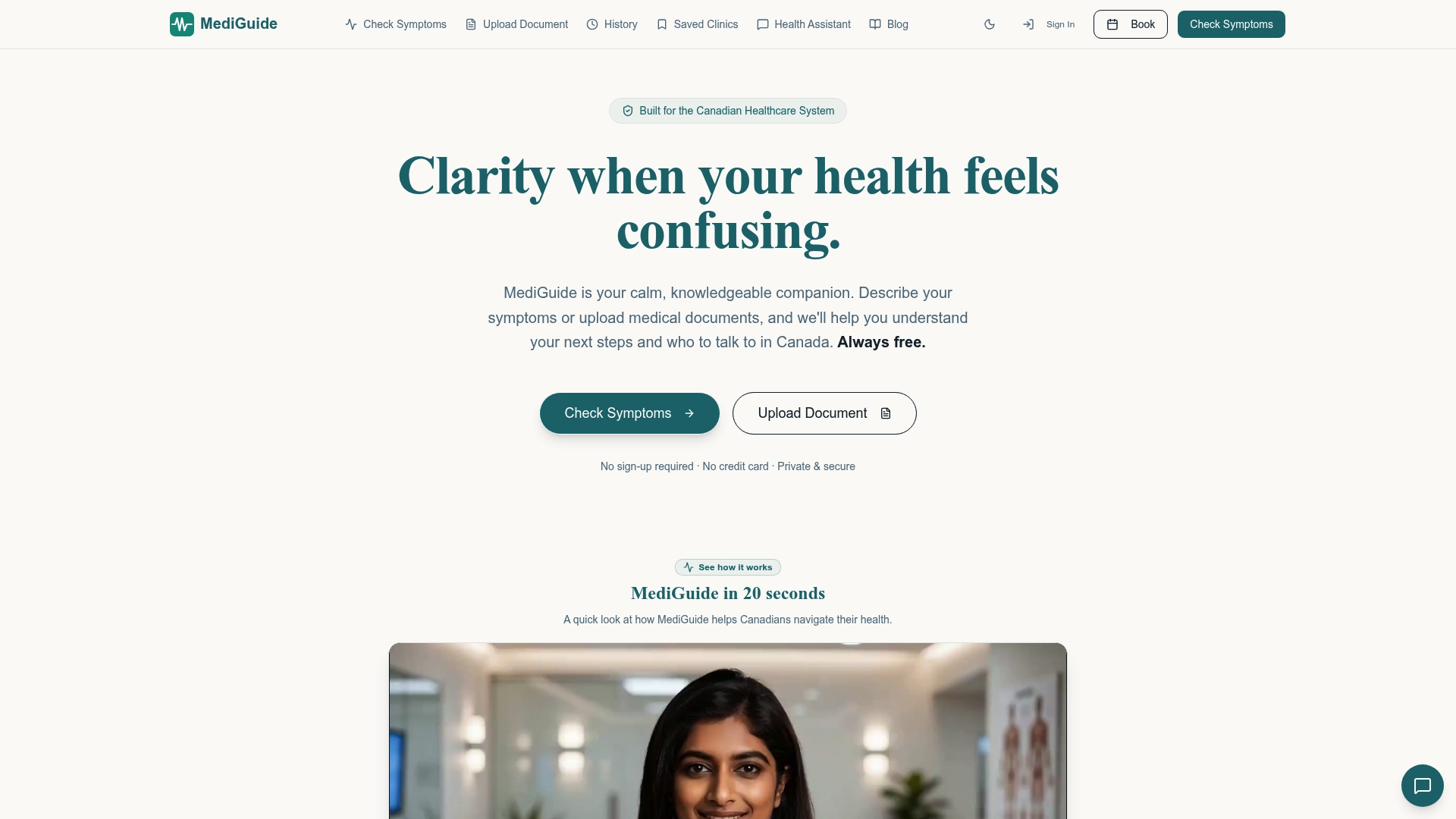
MediGuide requires no account, stores no personal data, and sells nothing to advertisers. You can describe your symptoms or upload a medical document and receive a plain-English assessment with guidance on next steps, including which specialist to see and average wait times in your region. The platform is entirely free. Check your symptoms now and get the answers you need without leaving a health data trail behind.
FAQ
How do cookies gather health info from my searches?
Cookies assign your browser a unique ID, and tracking pixels scrape the full URL of every health page you visit. That URL often contains condition or treatment names, which get linked to your browser ID and sent to advertising networks instantly.
Are cookies tracking my health searches even if I reject them?
Tracking pixels often fire before cookie consent banners load, so rejecting cookies does not always stop data collection. Pixels operate independently of cookie consent in many cases.
What does HIPAA say about tracking pixels on health websites?
Under HIPAA, firing pixels on pages that reveal health conditions is an unauthorized disclosure of protected health information. A standard cookie banner does not satisfy HIPAA's authorization requirements.
What is the safest way to search for health information online?
Using a platform that requires no sign-up and stores no personal data eliminates the tracking risk at the source. Healthnavigatorai's MediGuide is one example of a no-sign-up health tool built on this model.
Can clearing my cookies protect my health search privacy?
Clearing cookies removes stored identifiers, but browser fingerprinting can rebuild your profile using your IP address, device type, and browsing patterns. Combining cookie clearing with a VPN and a content blocker provides stronger protection.


